Need help with your project?

Oops! Something went wrong while submitting the form.

/
App Design
Gain a bit of inspo and check out a few screens for a food delivery app that we’ve recently delivered!
2020
.png)
www.purrweb.com
Food
Delivery
App Design



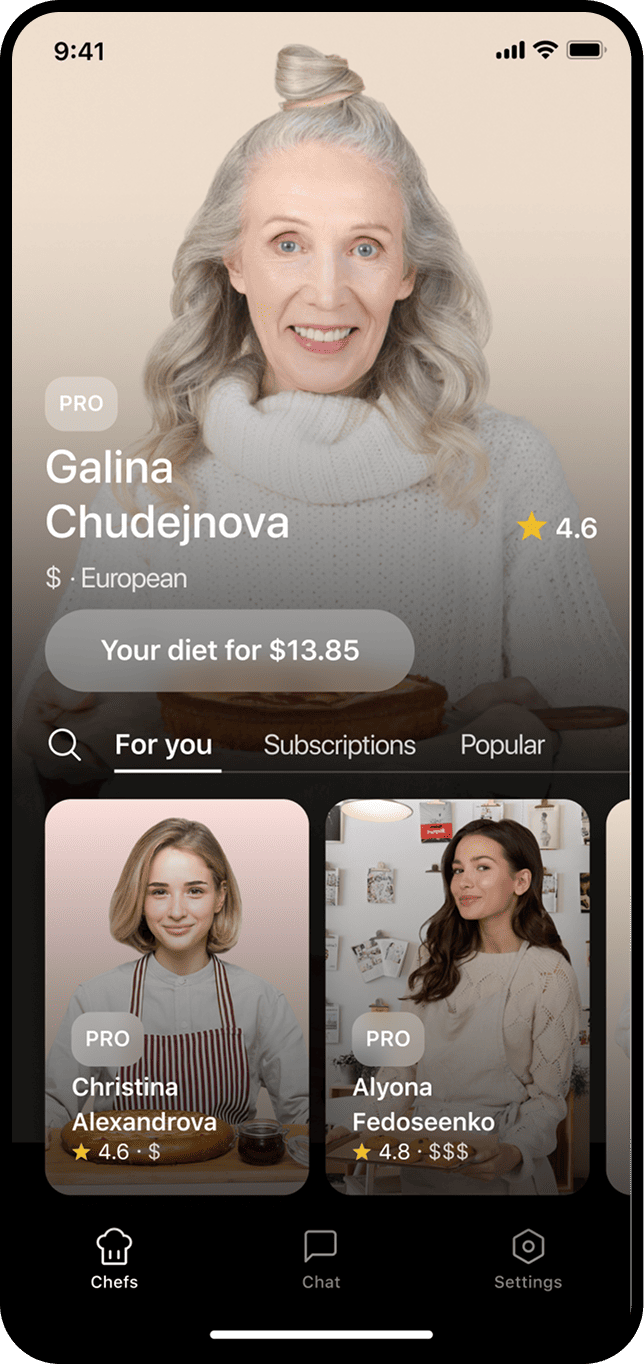
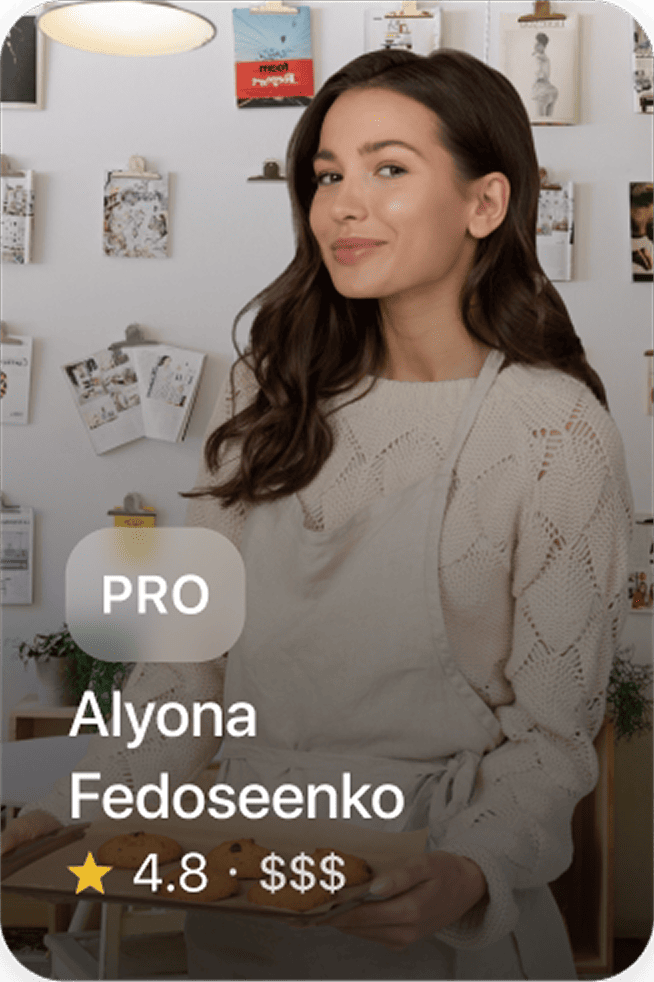
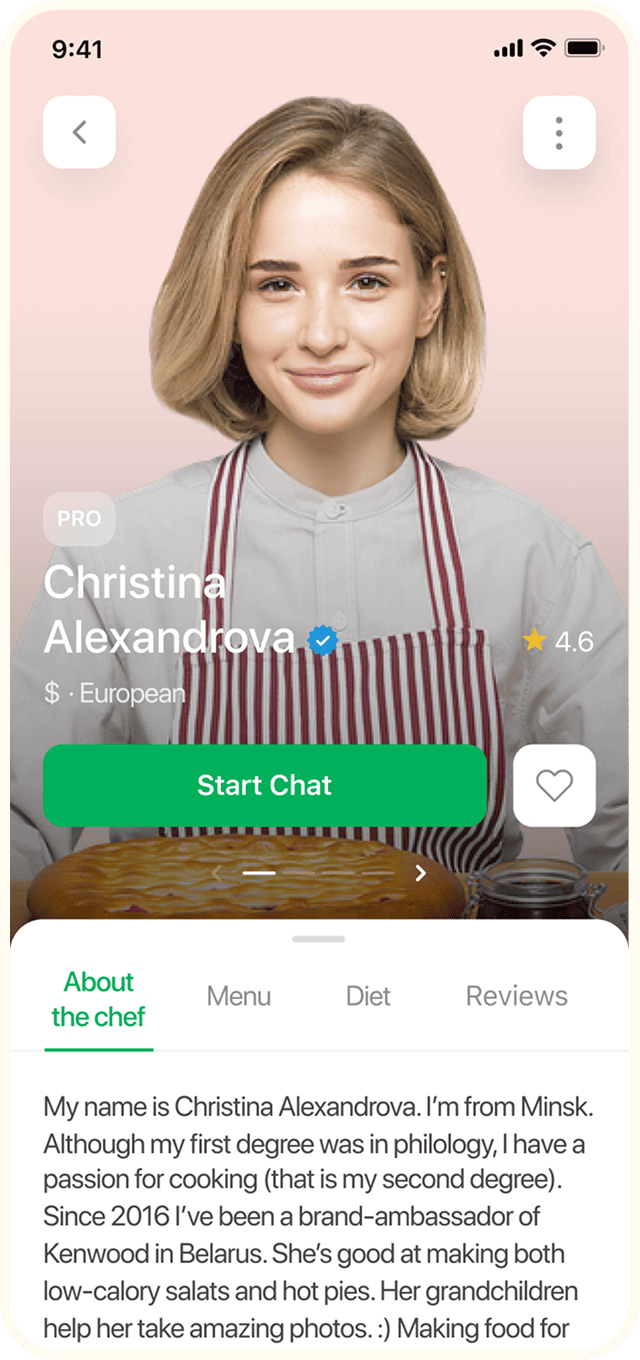
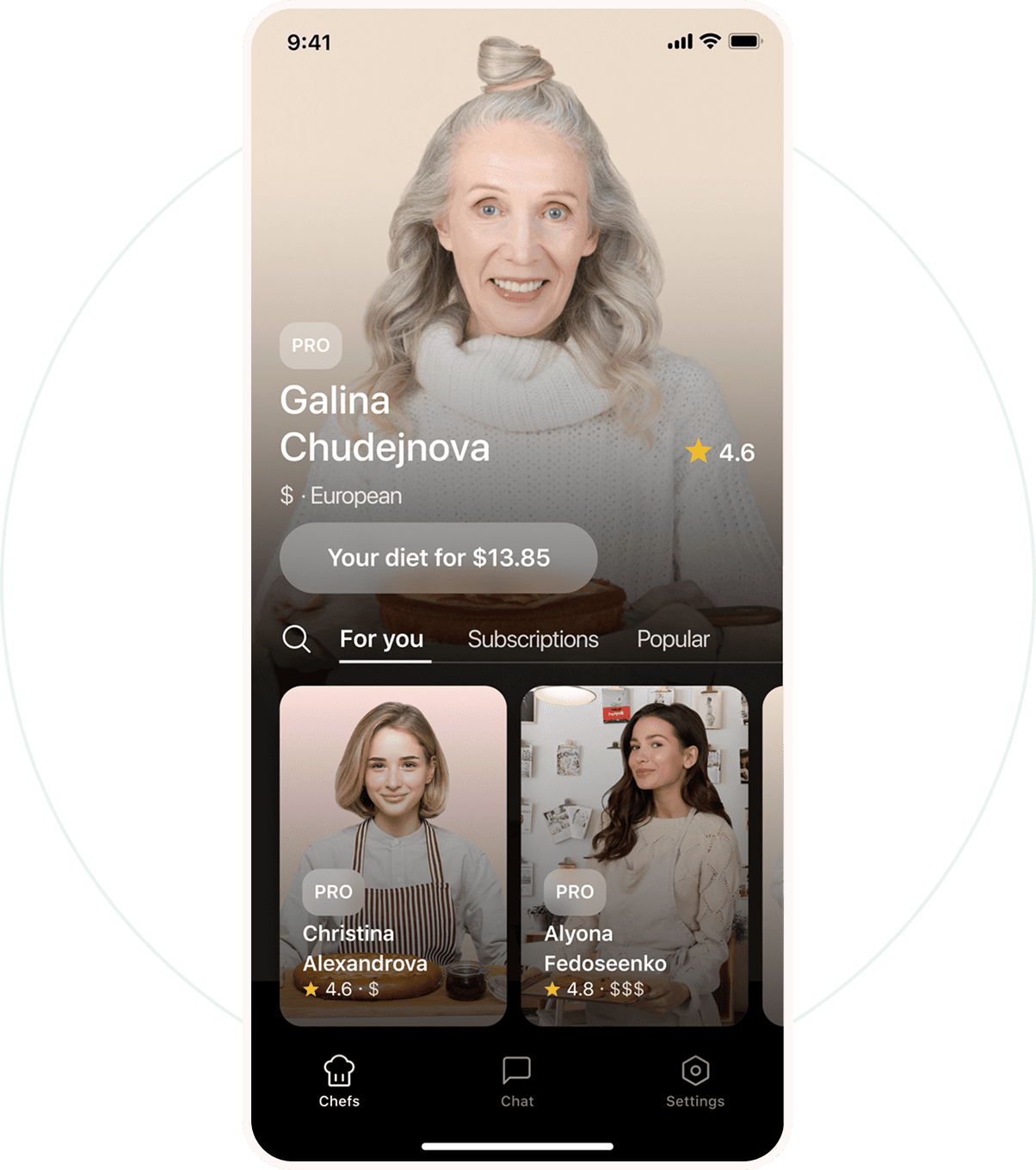
First of all, we solved the credibility problem. The app is not just about food but about people. That’s why we emphasized the photo of a chef, not food. After all, we hire a personal chef, not order items from KFC.


In order to save the vertical space, we positioned the chefs’ profiles horizontally. Thanks to the automatically applied filter, there will be no problem with reading a name, average price, and rating. Everything is thought out.
Idea
People often get used to favorite cafes, restaurants, and bistros. However, Instagram proved that people just love people. Talentum hypothesis: personal contact with a person encourages repeat orders.
The market volume in Russia
$1,4 billion
according to Target Global published in 2018
92%
of orders are made from mobile devices
analysis
Stable growth of the food delivery market.
65% of people living in big cities order food on a regular basis. On average, it’s more than 80.000 orders per day.
~ 80,000
orders per day
65%
order food on a regular basis
Process
The development and the interface design were carried out simultaneously, which allowed the project to be launched in production within 4 months.
Discovery
Definition
Design
Development
Delivery

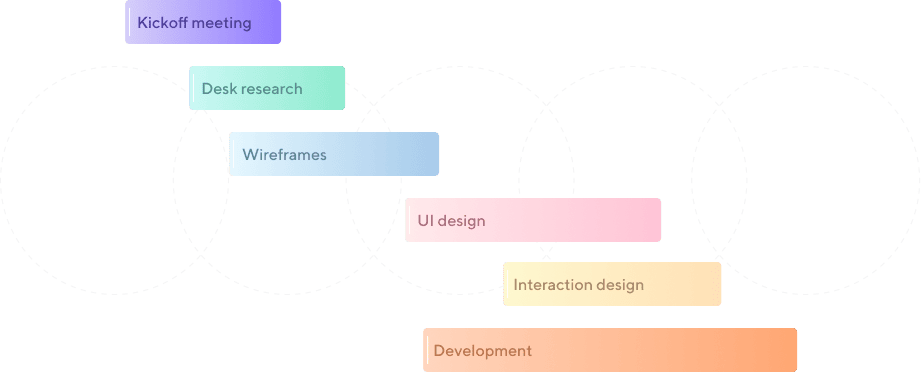
The design process was divided into 5 stages during which we conducted a careful study of competitors, and took into account their strengths and weaknesses when preparing the design concept and layout of the app.
Structure
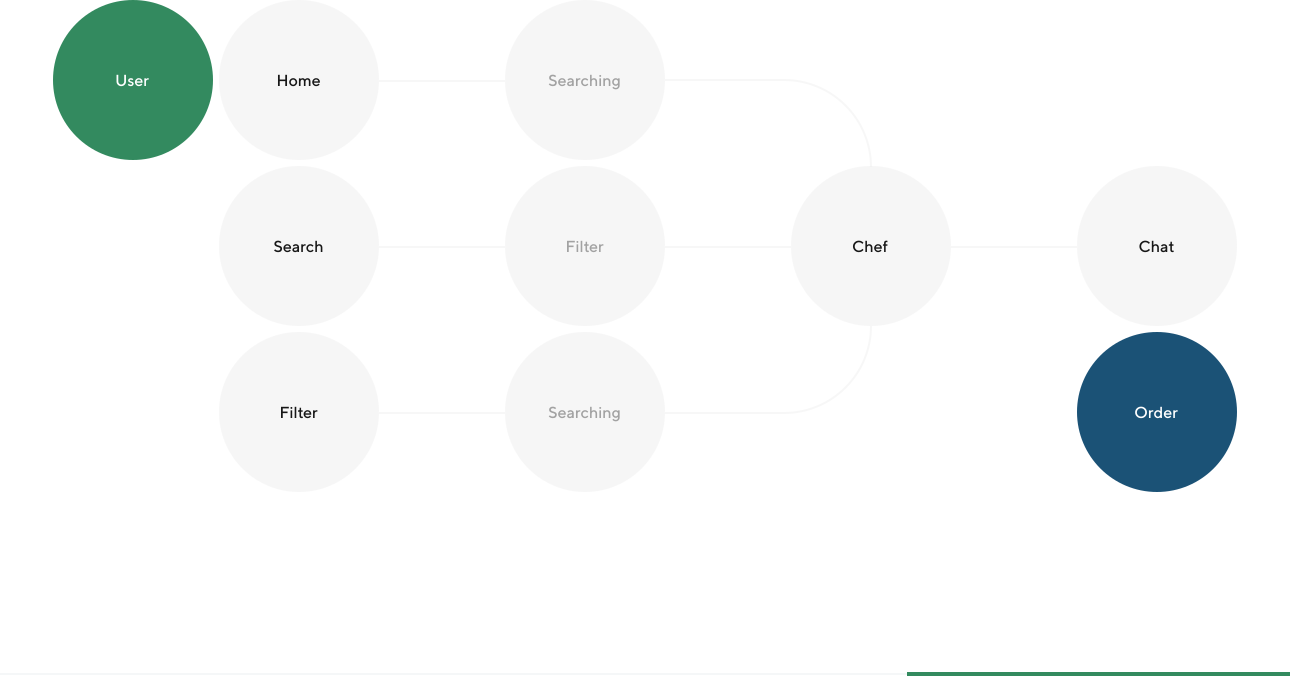
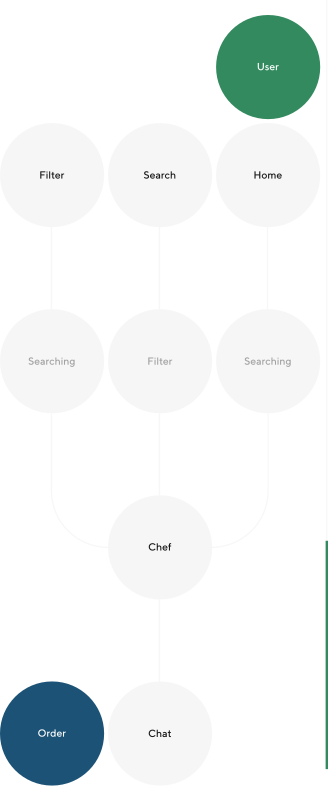
2 roles. 3 main scenarios. For customers — search and order. For cooks — order fulfillment. The classic marketplace.
Screens
Design concept
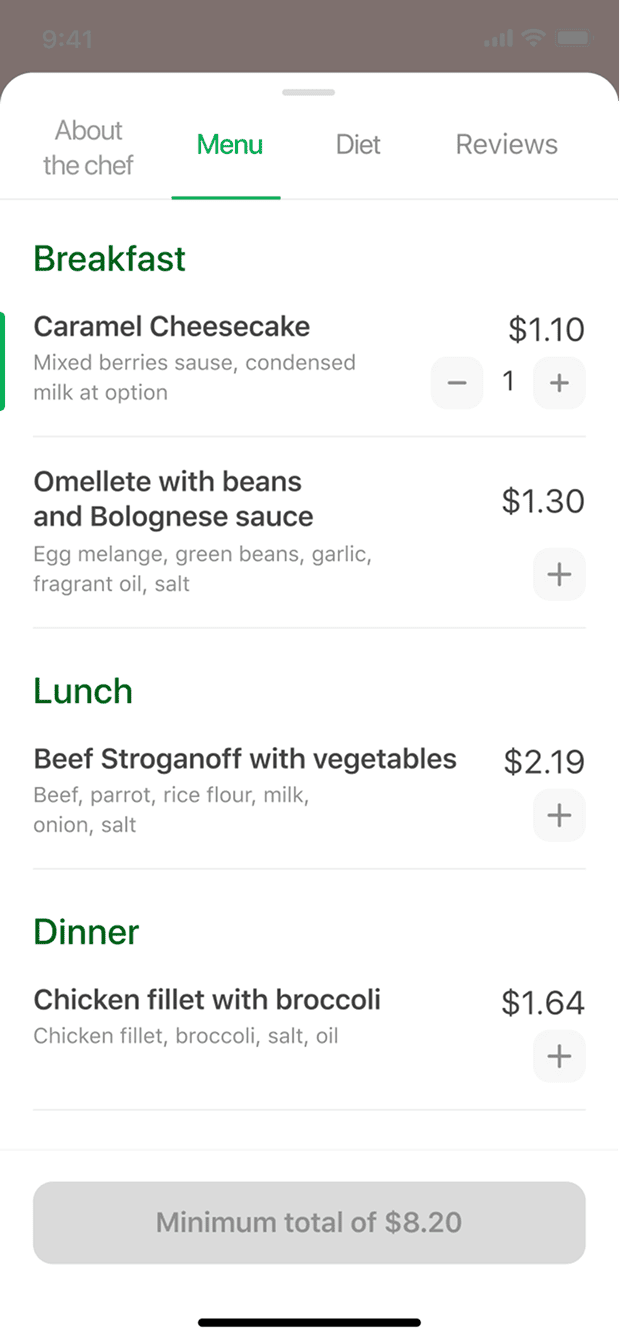
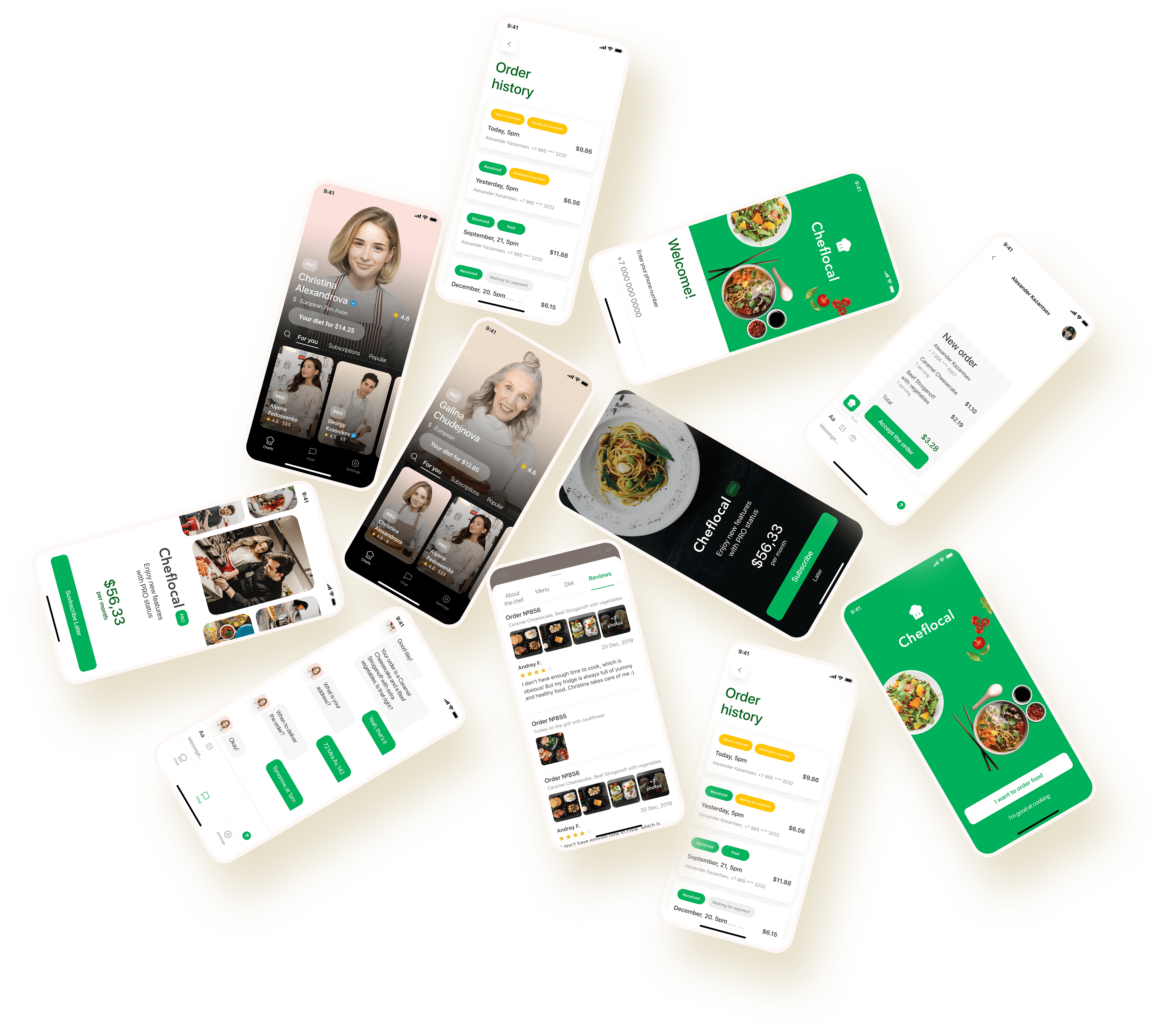
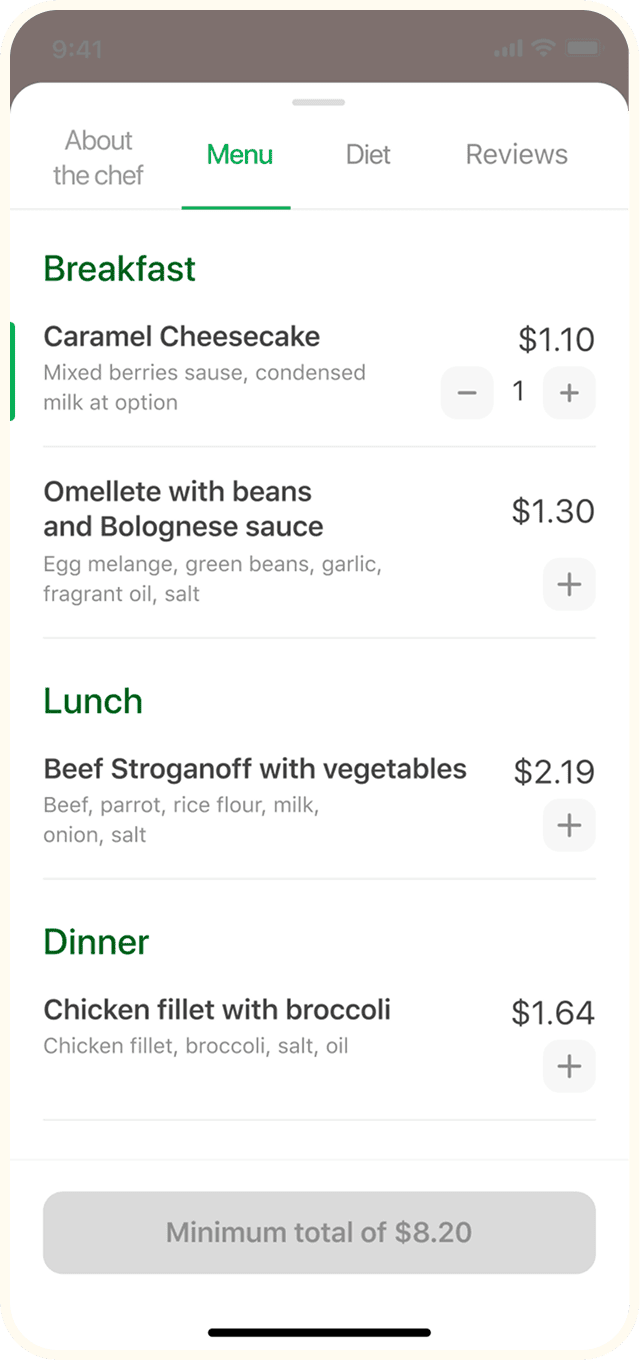
Each screen was designed based on the pros and cons of competitors’ apps — our concept was created to make it possible for the user to order from a single screen. The popular nowadays backdrop (an element that pops up at the bottom of the screen) was really helpful.
LogiLog in/sign upn
It’s easy to start using the app!
It requires minimal information that is necessary to conduct an order: just your phone number and geolocation.



02/07
UX animations


Any app is expected to run smoothly, so we designed transition animations between different screen states. The trick is that this animation is very easy to implement at the development stage, but looks great.
Review
Home screen
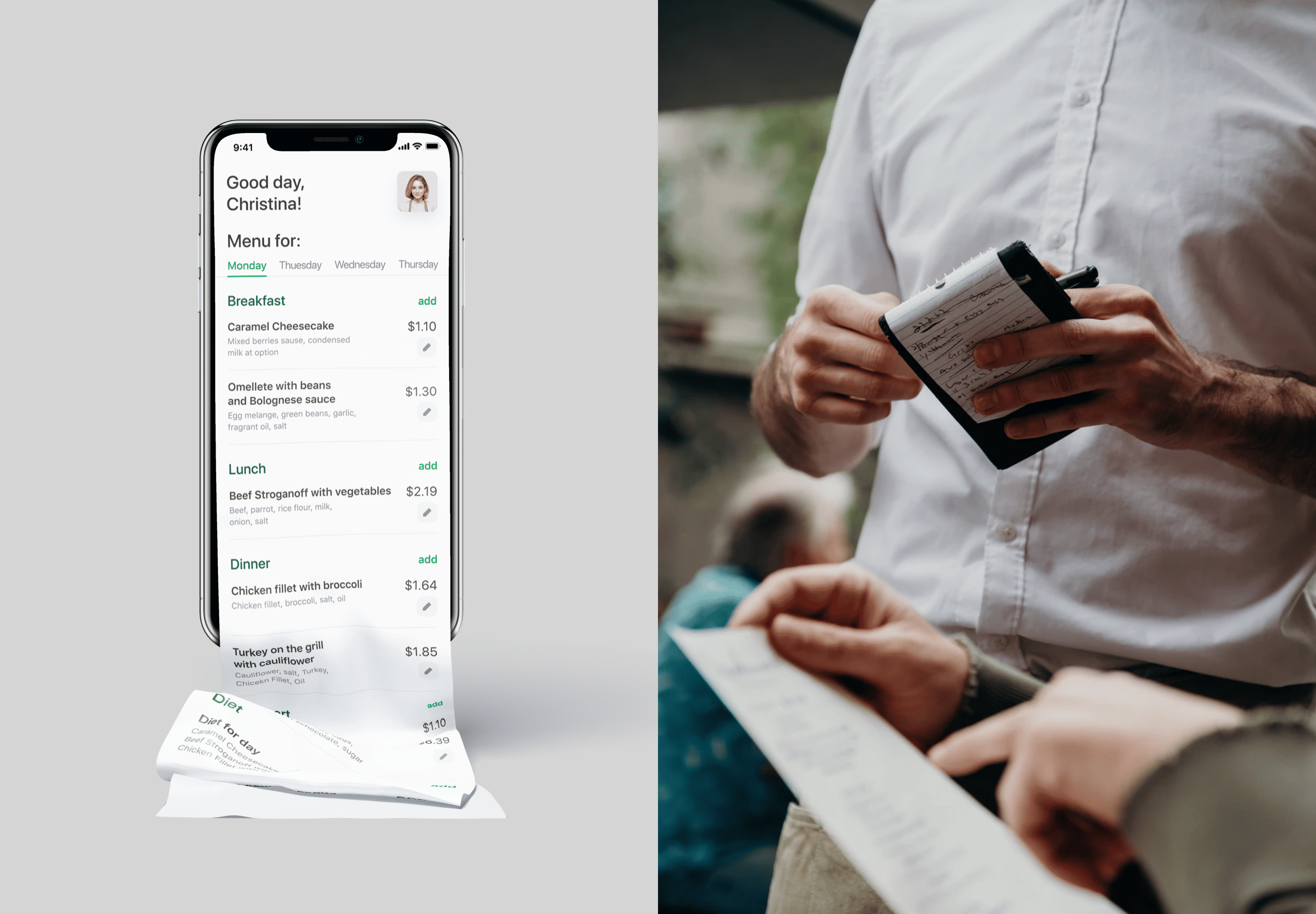
The first impression is important, therefore there is nothing superfluous on the home screen. It is clear who, what, how well, and how expensive.
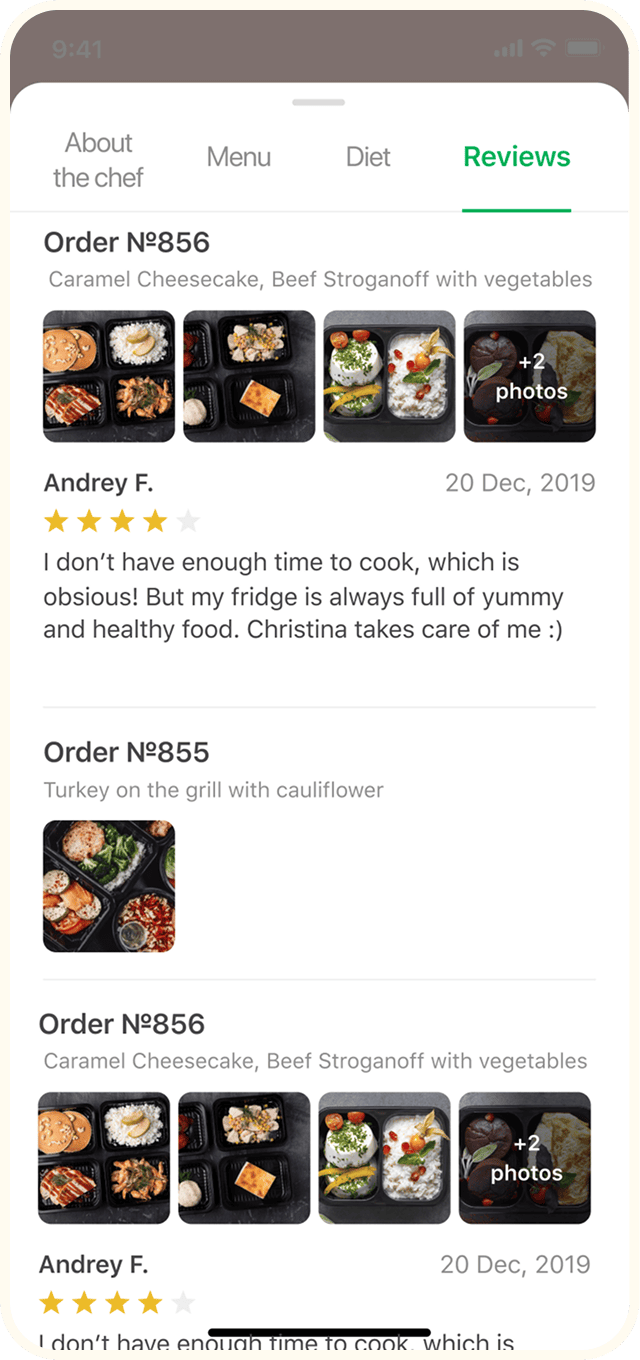

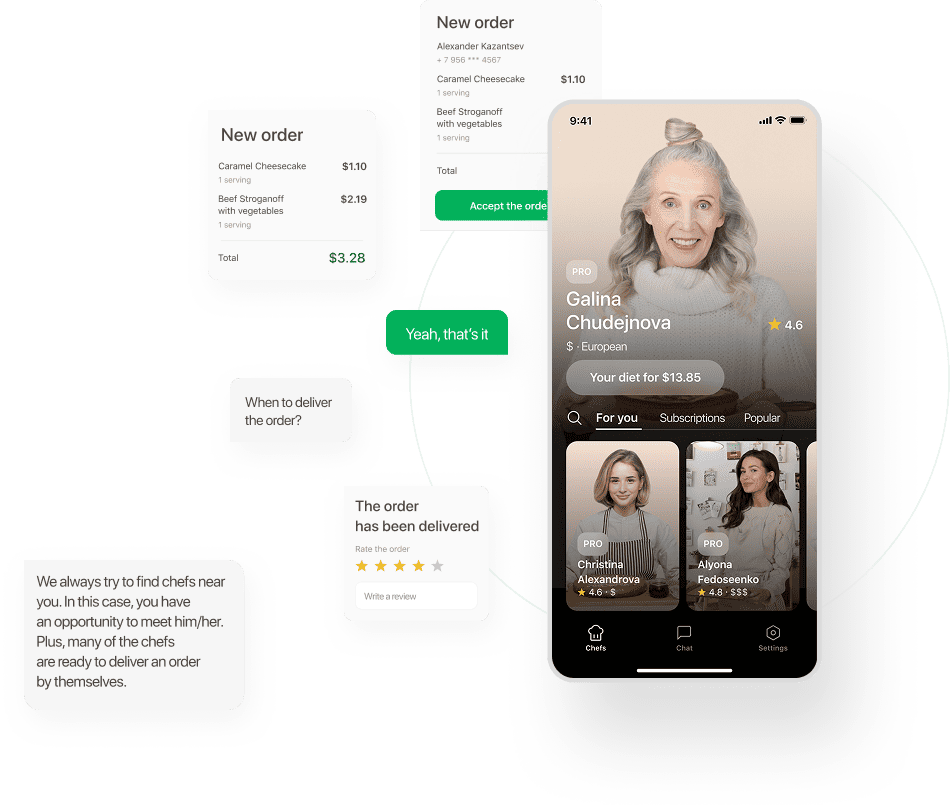
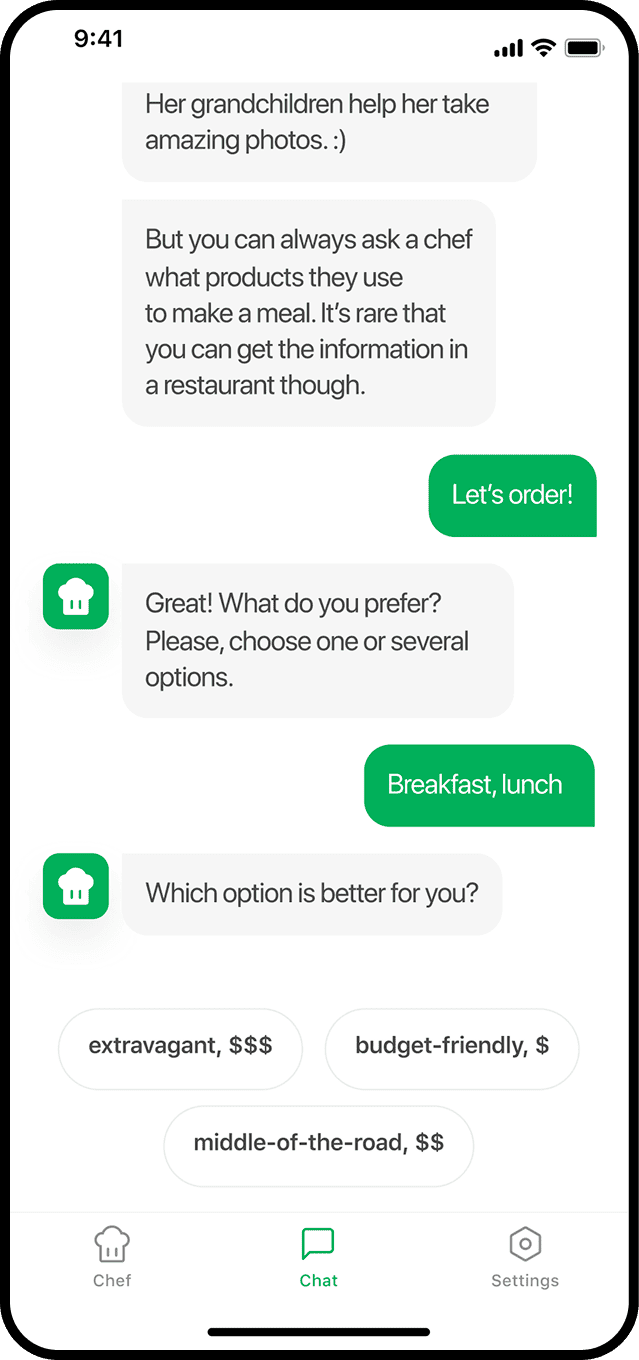
Chat
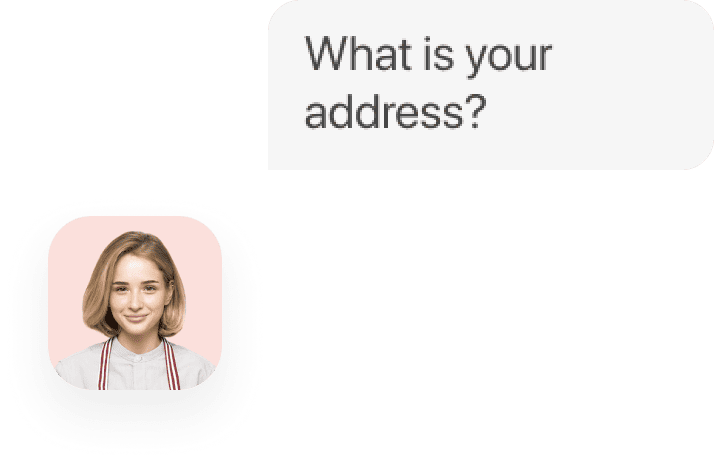
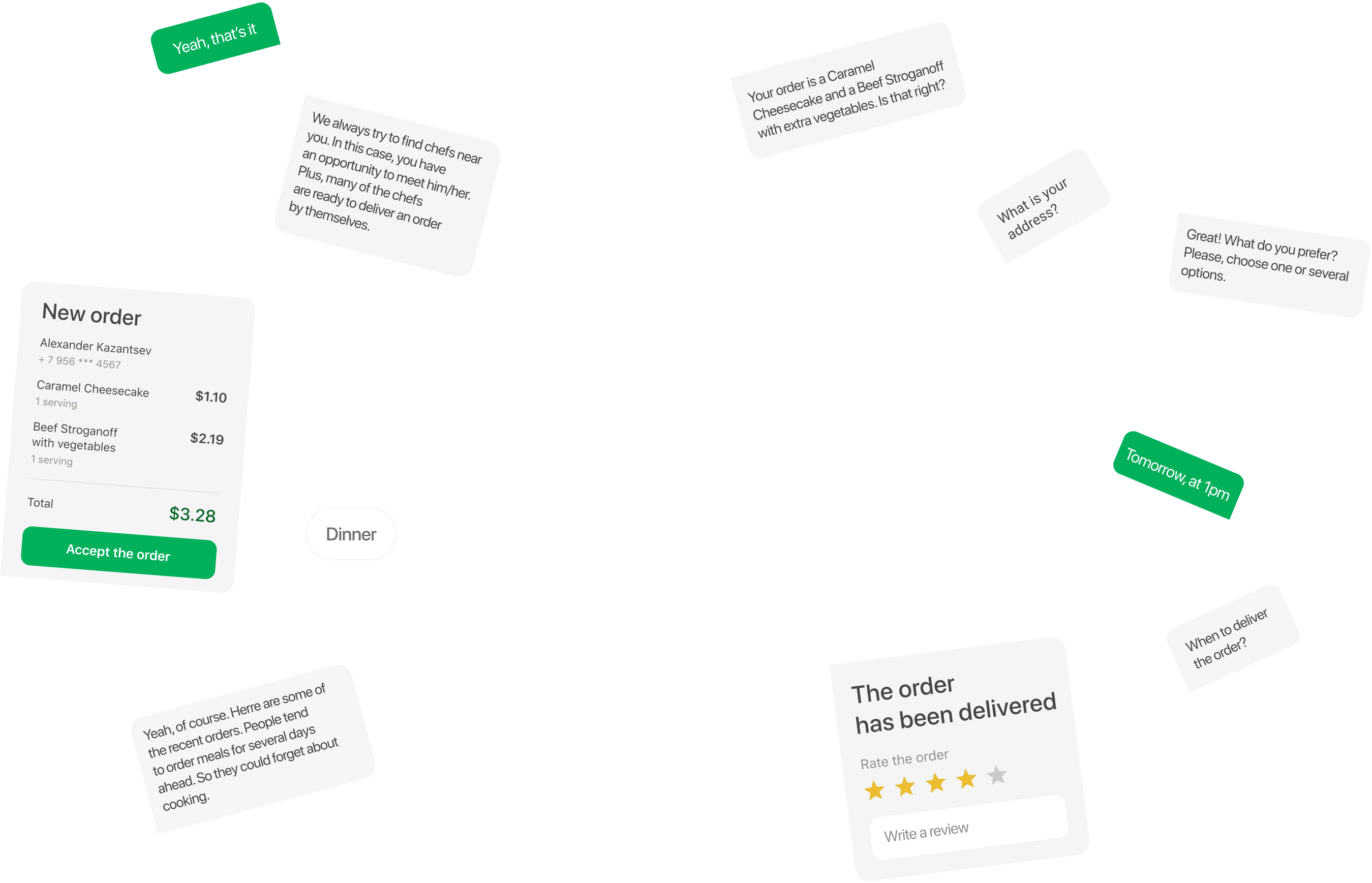
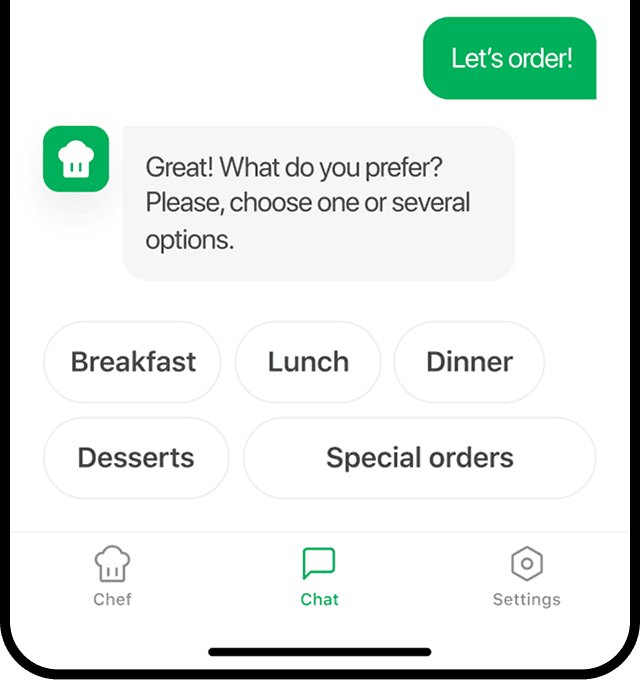
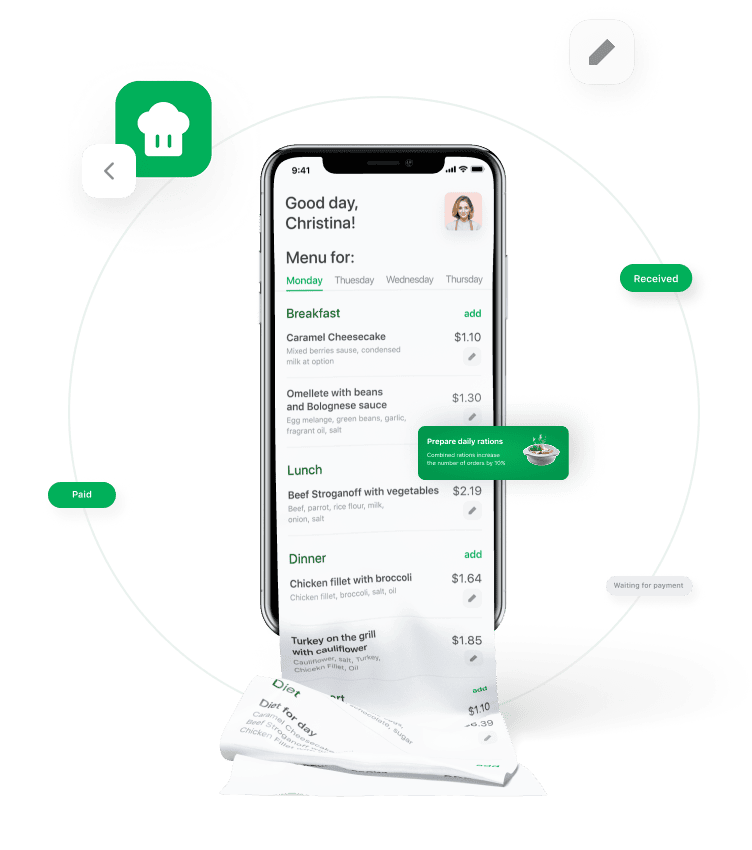
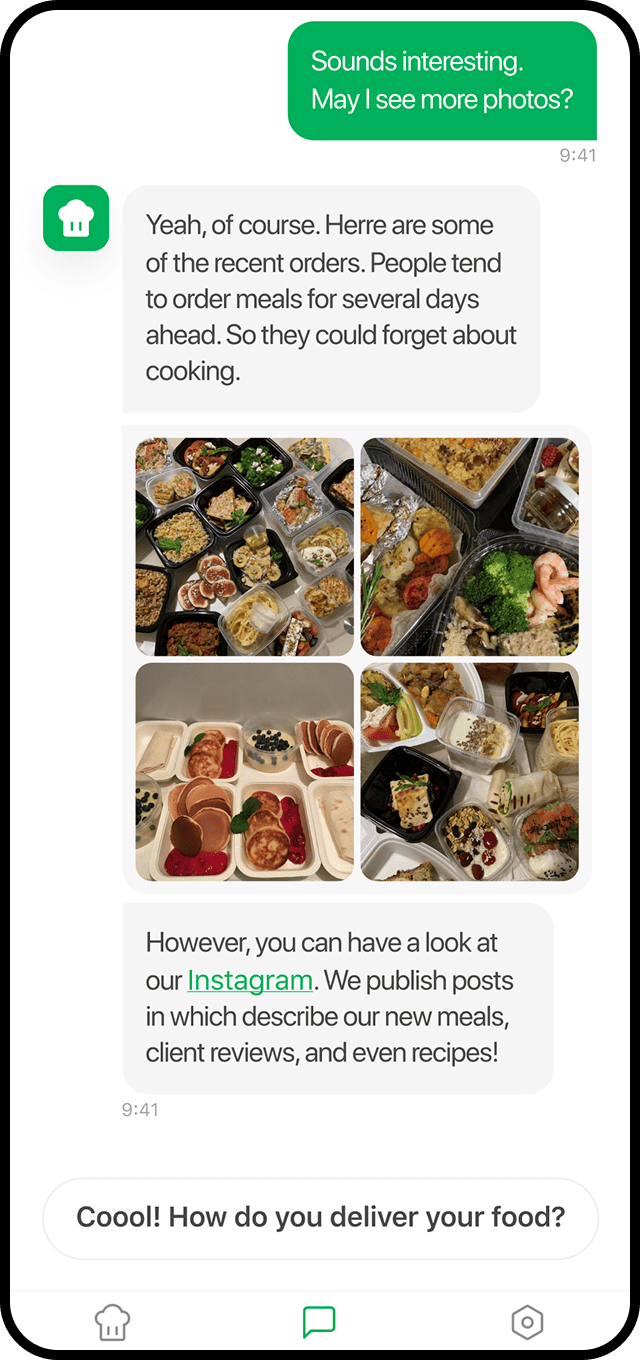
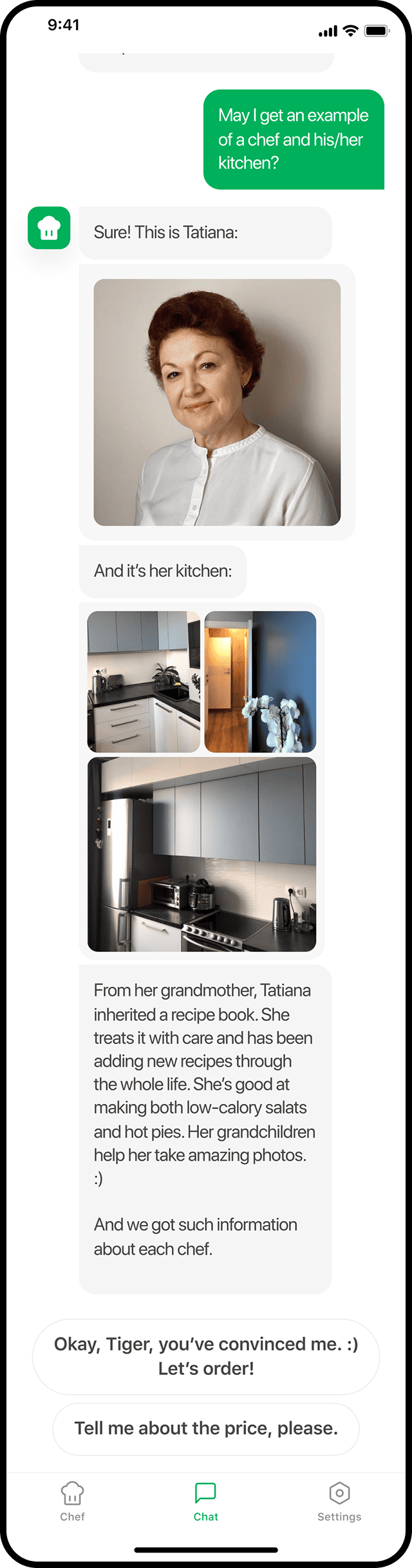
It gives you complete freedom. Instead of a limited list of several options, you describe your wishes to the chef, and they will be fulfilled. In addition, you can break the fourth wall and observe the products your dish is made from and the kitchen it is prepared at.
Chatbot
Chatbot is responsible for three tasks:
- tells about the product;
- finding out the user’s preferences to prepare the suggestions section;
- making a menu to place an order in one touch.

Chef view
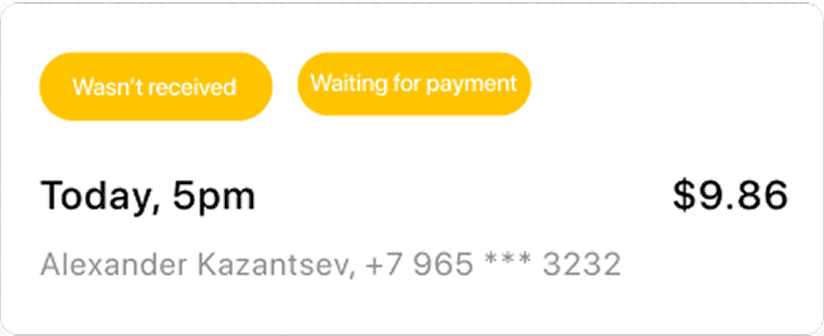
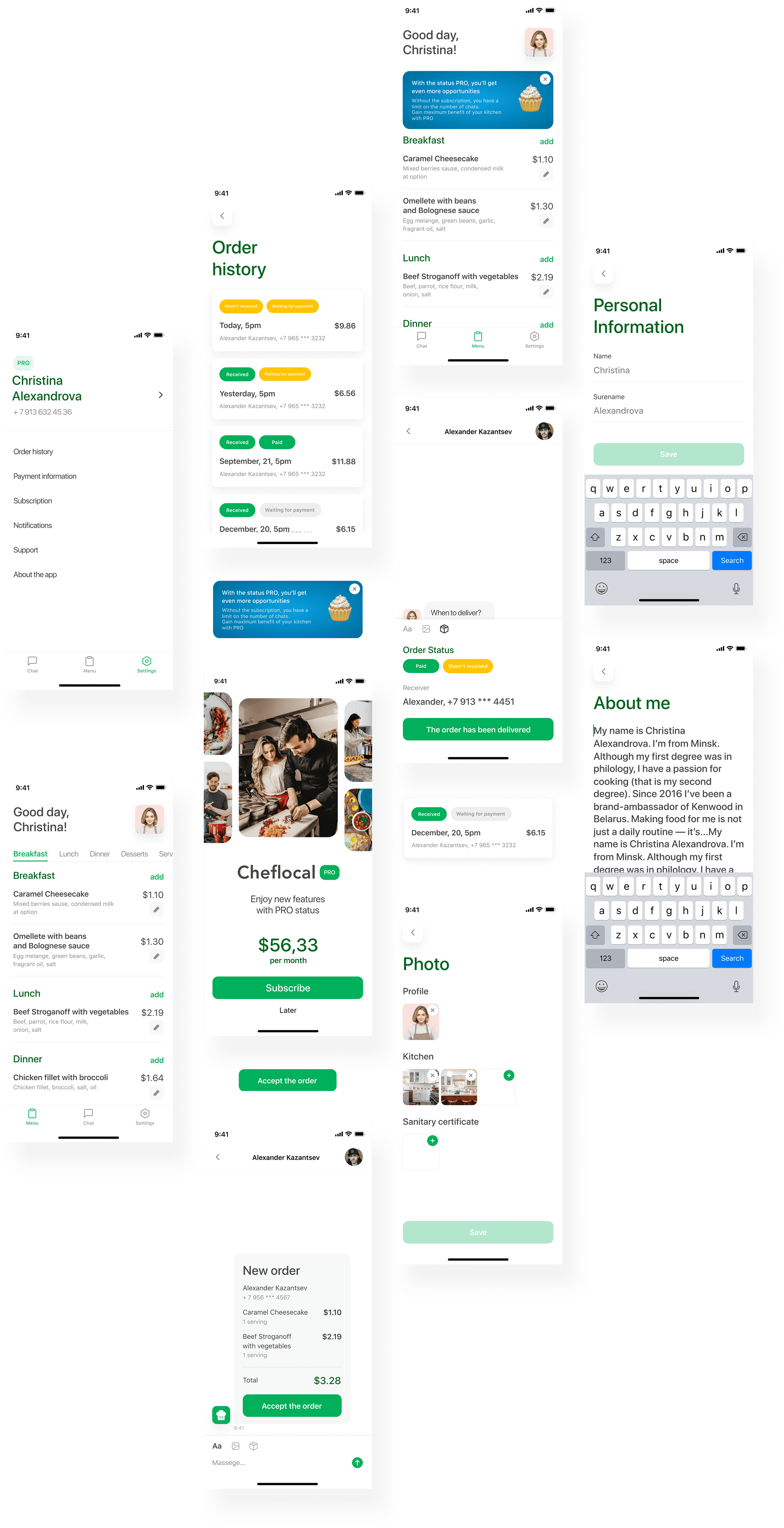
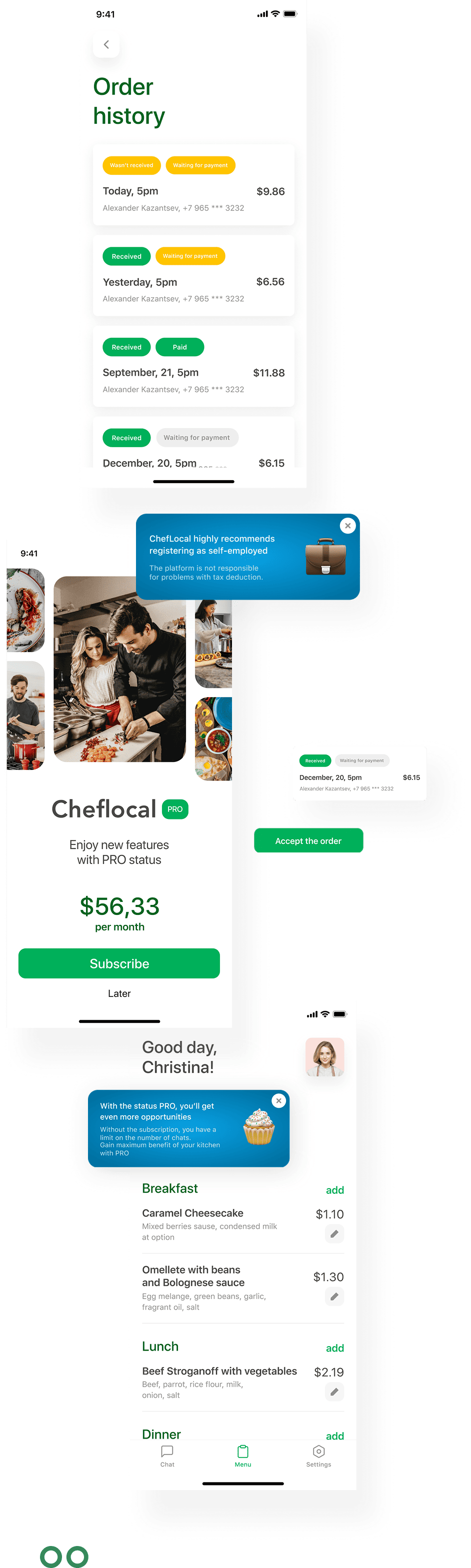
The single-screen concept also applies to the Chef interface.
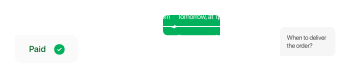
The whole process of order execution occurs in the chat: order receipt, acceptance for work, photo report, delivery.
Outcome
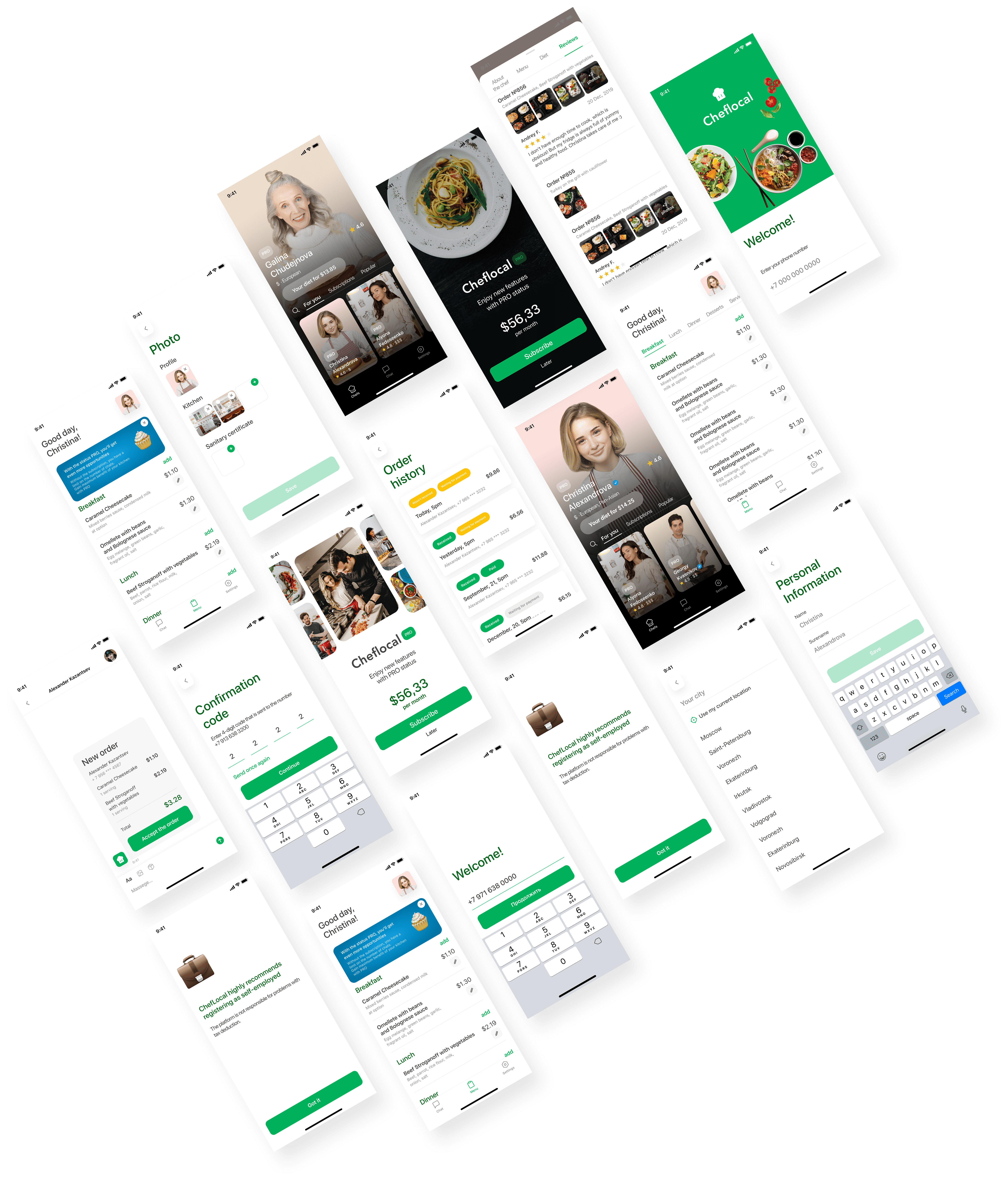
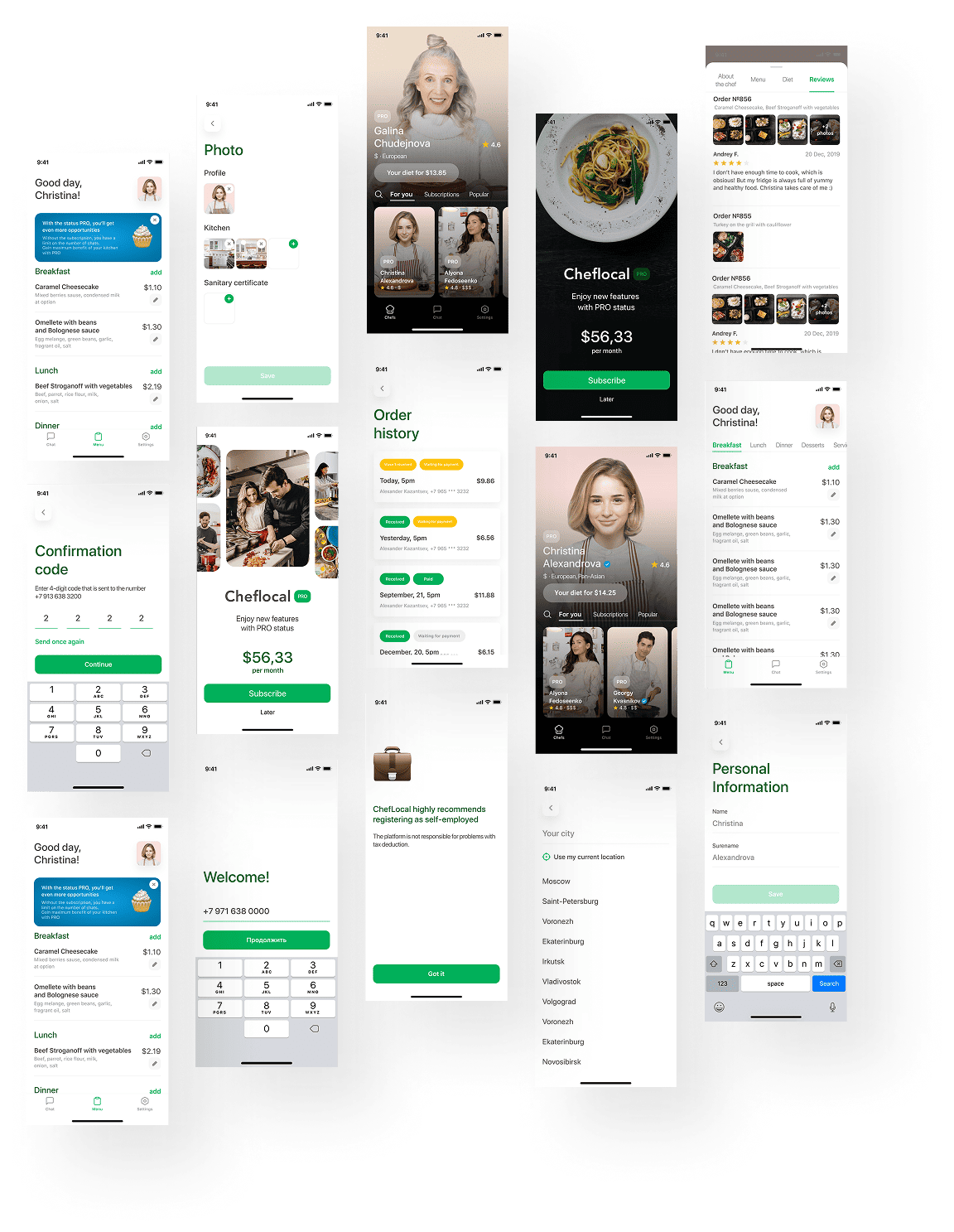
We have made a great amount of work
Not just thought through the logic and designed a lot of screens but also developed and released the product in the App Store and Google Play.
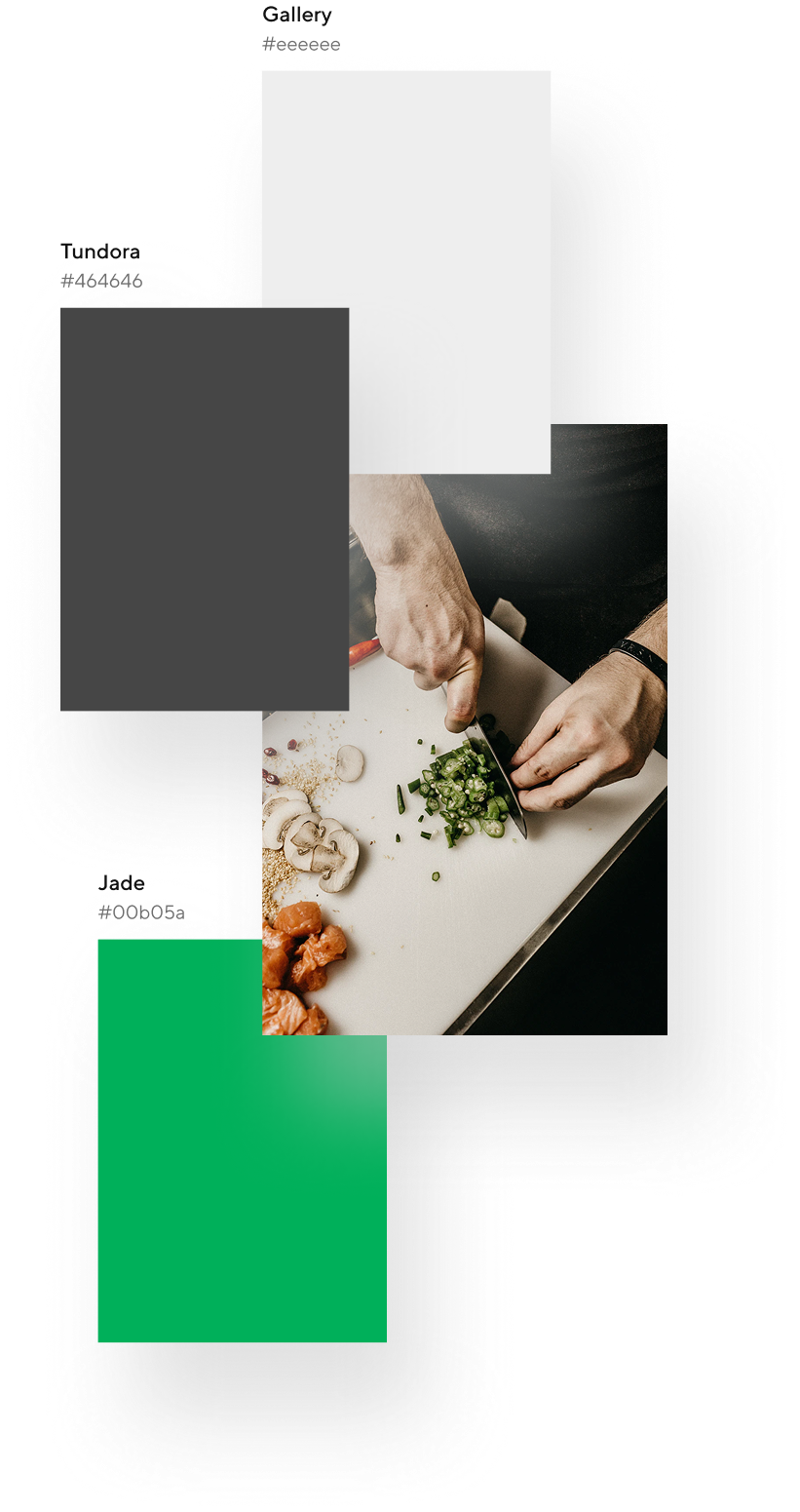
Gallery
#EEEEEE
Tundora
#464646
Jade
#00B05A